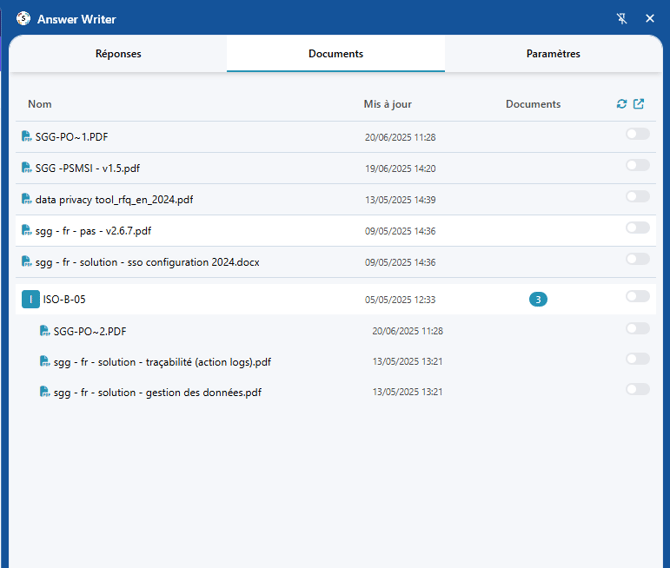
To answer an online questionnaire directly (RFP, vendor form, EcoVadis, and more), make sure you've created your Optivalue.ai account and installed the Chrome extension. The video below shows the full process.
Step by step
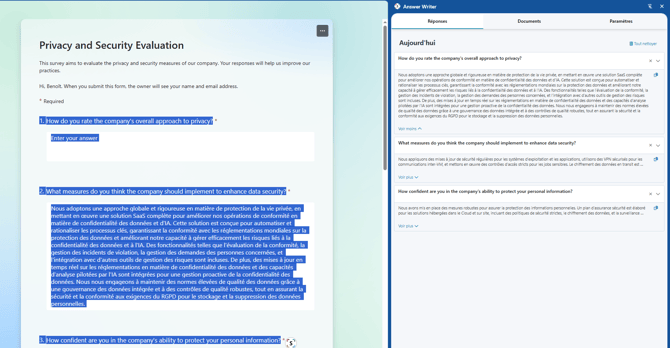
- Open an online questionnaire (for example a Microsoft Forms).
- Select the question text, as shown in the example.
- Click the Optivalue.ai extension icon.
Extraction starts and the answers appear directly in your extension.
By default, the AI uses your entire documentation. You can narrow the scope through the "Documents" tab.