By default, a project draws on your entire documentation. To restrict it to one or more specific directories:
- Untick the "Use all documents" box.
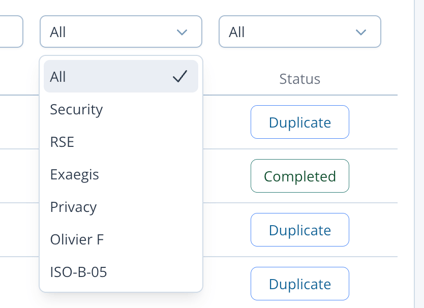
- In the filters, open the dropdown matching the directories column.
- Tick the document(s) you want. You can repeat this for another directory.
- Click "Next".