
An error message can appear when you invite a colleague to your organisation. Here's what it means and how to fix it.
The message
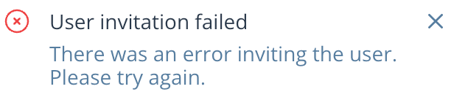
If you see: "User invitation failed. There was an error inviting the user. Please try again."
User invitation failed There was an error inviting the user. Please try again.
This usually means the person already has an Optivalue.ai account, created independently of your organisation.
How to fix it
- Contact support via the chatbot (bottom right) to request deletion of the existing personal account.
- Once we've deleted the account, resend the invitation: it will go through without error.
Important: deleting the personal account is permanent and will erase the history and documents attached to it.